Launch a probe from the launch point and get it to the goal flag. Planets pull on the probe and bend its path, so aiming straight at the goal won't work. Think about each planet's gravity when you choose the angle and power.
Menu
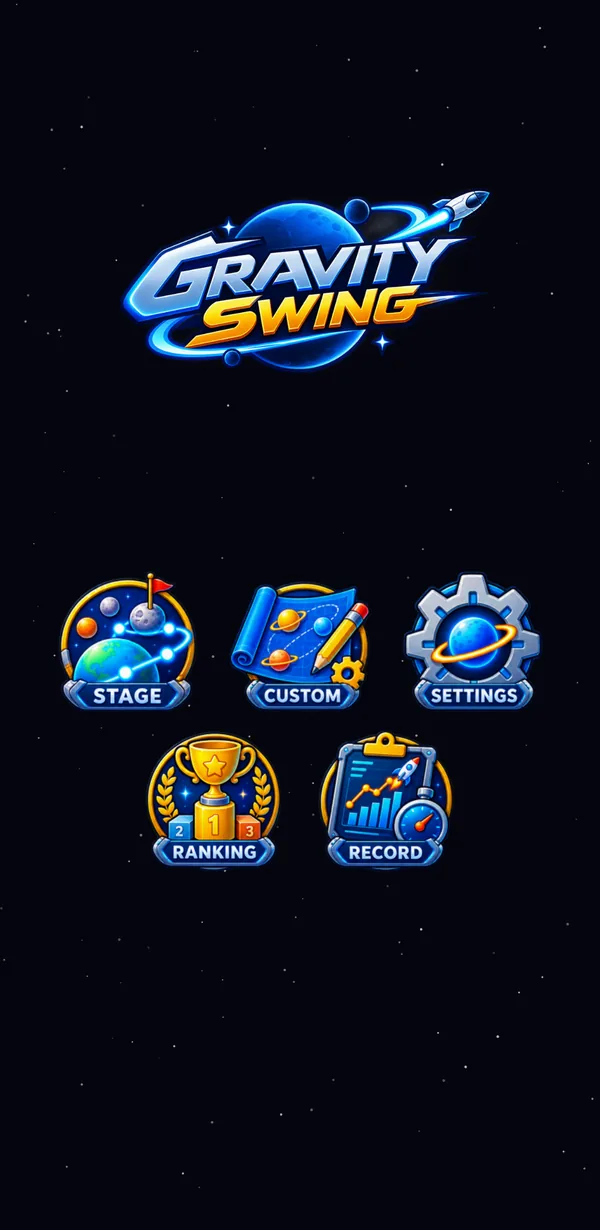
The menu has five buttons.
| STAGE | Play the main stages. You pick up where you left off |
|---|---|
| CUSTOM | Make your own stages and play stages other players give you |
| SETTINGS | Your profile, account linking, music volume and more |
| RANKING | Compete with other players on points |
| RECORD | See your best scores |
Three steps to start
The first three stages are practice: a prediction line shows where the probe will go while you pull. From Stage 4 on, there is no prediction line.
The stage screen
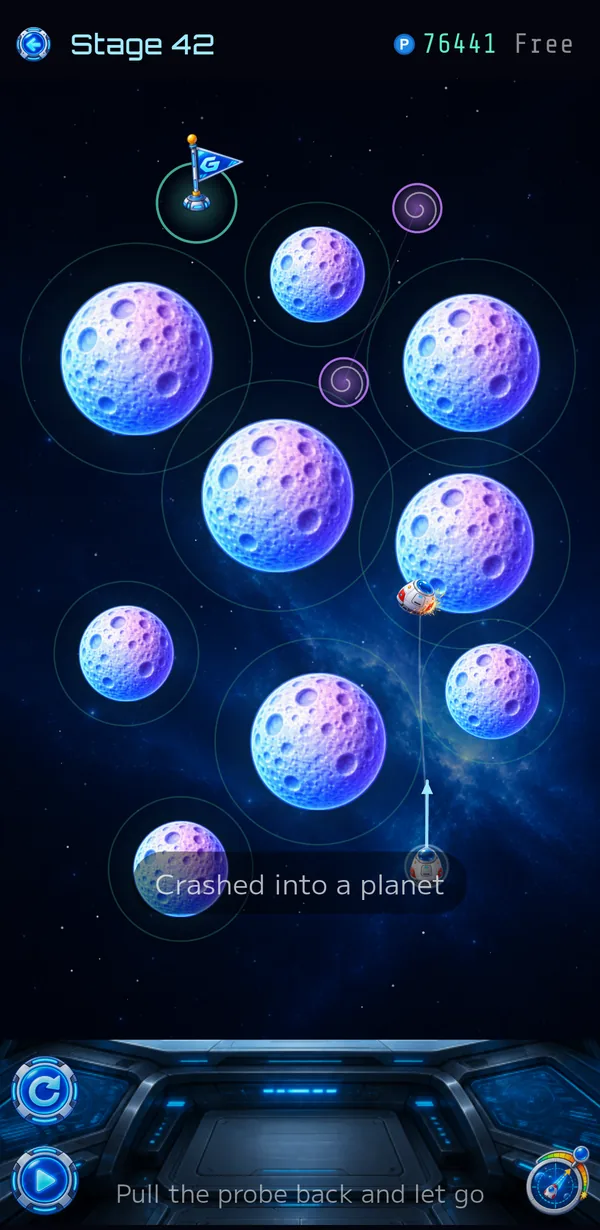
| Top left | Back / stage number |
|---|---|
| Top right | Your running point total and the tries used on this stage (e.g. 3/20). It turns red when you are running low. If you have bought unlimited tries, it shows Free. |
| Board | The flag is the goal and the probe at the bottom is the launch point. The ring around each planet shows roughly how far its gravity reaches. |
| Bottom left (upper) | Start over. Takes you back to Stage 1 and resets your points to 0 (you are asked to confirm). |
| Bottom left (lower) | Normal / double speed. The button shows the current speed. You can press it during flight. |
| Bottom right | Turns tuning on and off. |
| Bottom center | Once you have cleared a stage, “Replay your best” appears. It fires your best-scoring shot again and clears the stage. It does not use a try. |
While the probe is flying, hold your finger on the board to fast forward. Handy when it gets stuck circling a planet.
Planets and wormholes
There are five kinds of planet, each with a different pull. The pull depends on the kind, not the size, so a small planet can still pull hard.
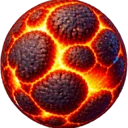
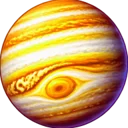


The purple swirls are wormholes. They come in pairs: fly into one and you come out of the other in the same direction at the same speed.
Passing through a wormhole earns a bonus. Even if it looks like a detour, it is worth aiming for when you can. If the probe hits a planet, you see “Crashed into a planet” and the shot fails.
Tuning
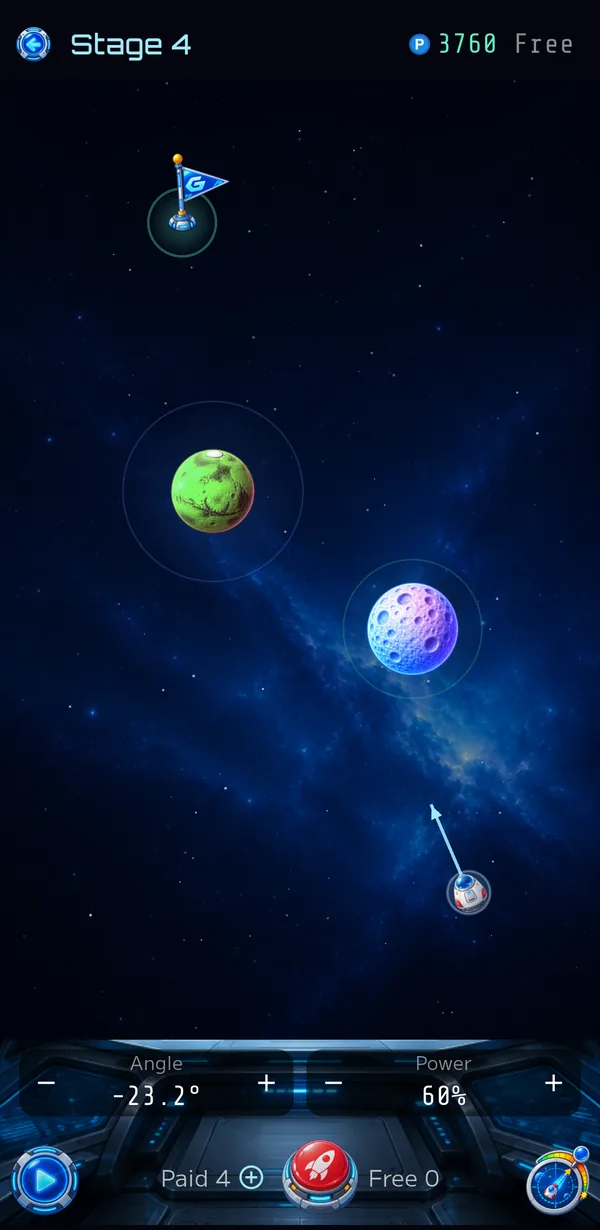
Dragging alone sometimes leaves you just short. Switch to tuning mode with the bottom-right button to set the angle and power by number.
- Drag first to set the rough direction
- Fine-tune the angle and power with − and +
- Fire with the red launch button in the middle
- You start with 50 free shots
- You get 10 more free shots each day (free shots build up to 100)
- Tap + next to Paid to buy 100 more with an in-app purchase
Scoring
When the probe reaches the goal, your score depends on how it got there.
| Base points | 10 points per unit of distance flown |
|---|---|
| Bonus points | +500 points for each wormhole you pass through |
- The farther the probe flies, the higher the score, even if it takes the long way. Swinging around planets scores more than a straight, short shot.
- The instant jump through a wormhole does not count as distance.
- It doesn't matter which try you clear the stage on.
- “Best” appears when you beat your top score for that stage.
- After clearing the last stage, you can play again from Stage 1 and aim for a higher total.
Tries
You have 20 tries per stage. When they run out, choose one of these:
- Restart from Stage 1 (your points go back to 0)
- Watch an ad for 20 more tries
- Go unlimited with an in-app purchase
With unlimited tries, the counter shows “Free”. It is a one-time purchase, so it stays even when you restart from Stage 1. After a new device or a reinstall, use “Restore purchases” in Settings to get it back.
Custom
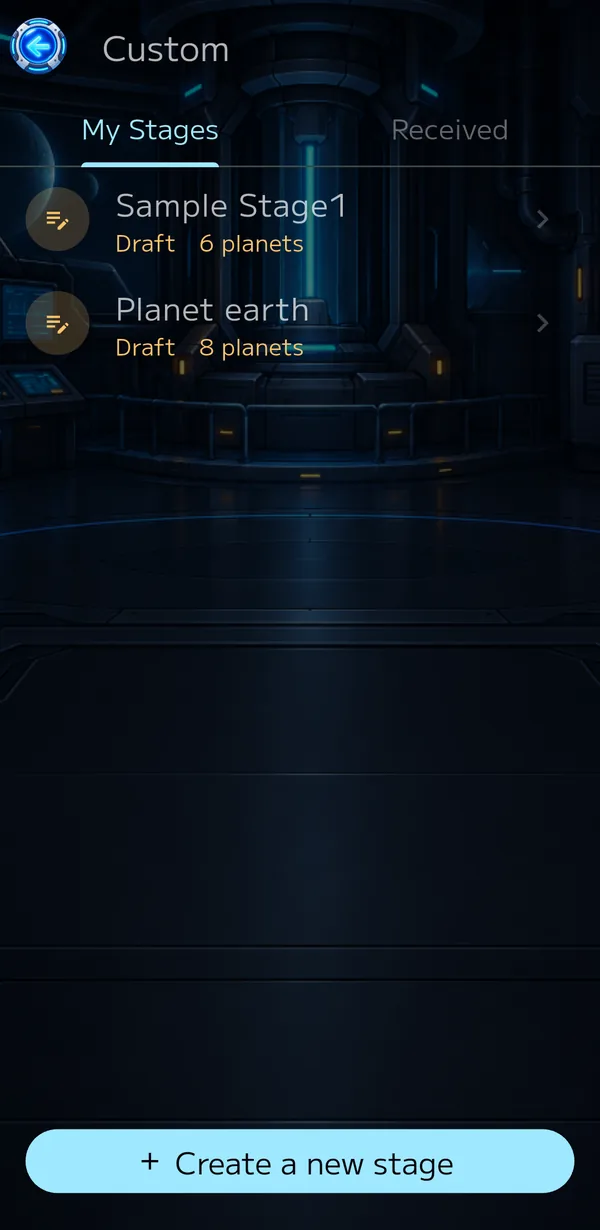
Make your own stages and swap them with other players. Custom stages don't affect your score or tries.
“+ Create a new stage” at the bottom opens the editor. Each stage you make is either a Draft or Final.
| Tap | Long press | |
|---|---|---|
| Draft | Edit in the editor | Finalize / Delete |
| Final | Test fire | Duplicate / Show QR / Delete |
A finalized stage can be shared with other players but can no longer be edited. To change it, duplicate it (the copy starts as a Draft).
Use “Show QR” to turn a finalized stage into a QR code. The other player scans it from “Receive by QR code” on the Received tab. You can also send the QR code image with “Share”. Tap a received stage to play it; long press to delete it.
Editor
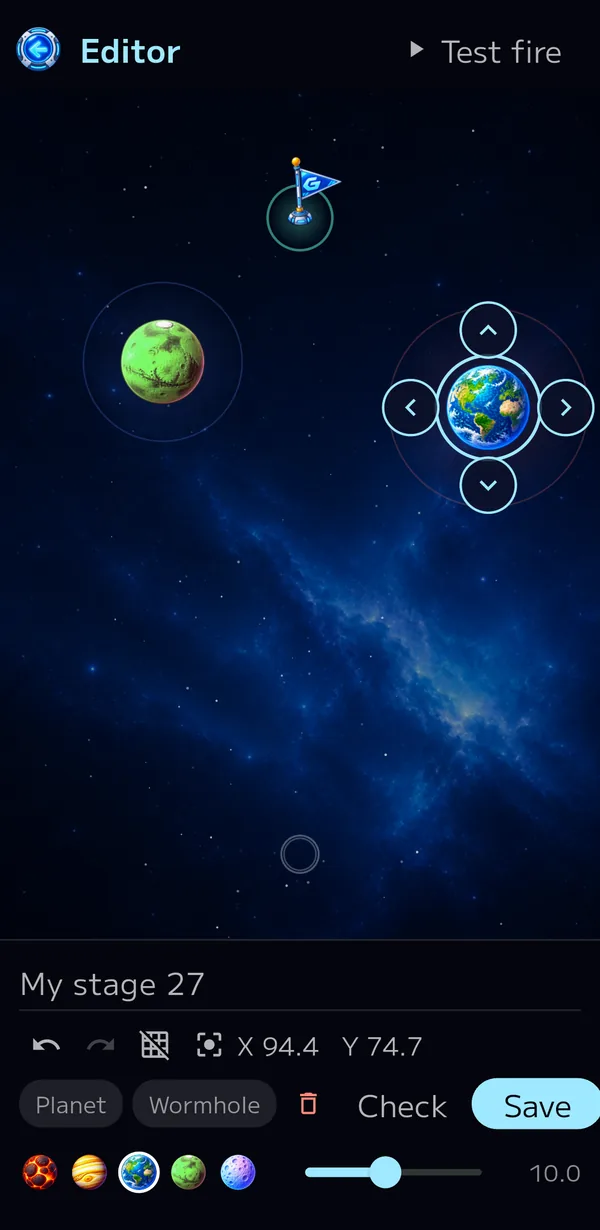
Place planets and wormholes wherever you like to build a stage.
| Place | Choose “Planet” or “Wormhole” at the bottom and tap the board. Wormholes are placed as a pair. You can place up to 30 planets and 5 wormhole pairs. |
|---|---|
| Move | Drag a planet, a wormhole, the goal flag or the launch point (the circle near the bottom). Planets and wormholes can hang over the edge as long as their center stays on the board. |
| Nudge | Press and hold an item to show arrows for moving it in small steps. Hold an arrow to keep moving. |
| Change a planet | Select a planet and pick one of the five kinds at the bottom (further left = heavier, stronger pull). Change its size with the slider. |
| Delete | Select an item and tap the trash can. |
Undo / Redo | Undo up to 10 changes to the board. A drag counts as one change from touch to release, and nudging counts as one change from showing the arrows to closing them. The stage name is not undone. |
|---|---|
Grid | Each press cycles through coarse (1.0 steps) → fine (0.5 steps) → off. With a grid on, items snap to it by their center when you place or move them. The nudge arrows move by the grid size too, or by 0.1 with the grid off. |
Focus | Shows the nudge arrows on the item you touched last. Each press moves on to the next item. Handy for items too small to grab. |
| X / Y | The position of the selected item. |
| Test fire | Top right. Try the stage on the spot. When the probe reaches the goal, “Try again” fires again and “Close” takes you back to the editor. |
|---|---|
| Check | Tries every angle (in 0.1° steps) and every power (in 1% steps) and counts how many shots reach the goal, including how many go via a wormhole. |
| Save | Give the stage a name and save it. If you try to leave the editor without saving, you are asked to confirm. |
A check takes from several tens of seconds up to about a minute, so you are asked to confirm before it starts (tick “Don't ask again” to skip this). If no shots reach the goal, the stage can't be cleared, and if only a handful do, it is probably too hard. It's a good idea to check a stage before you share it. You can keep up to 100 of your own stages.
Ranking and Record
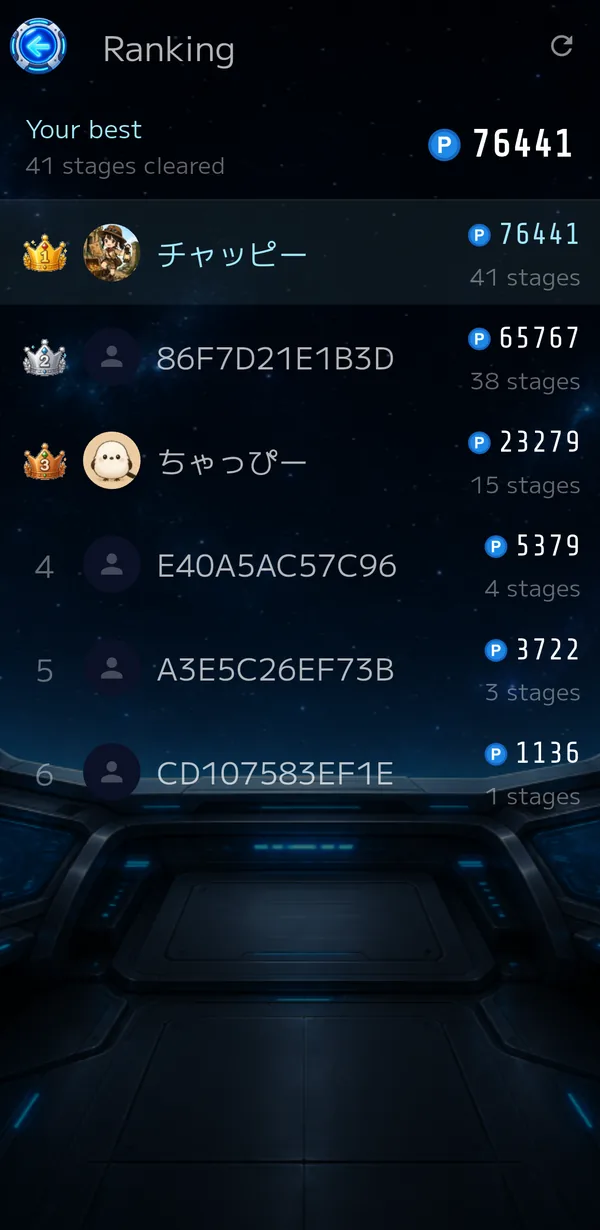
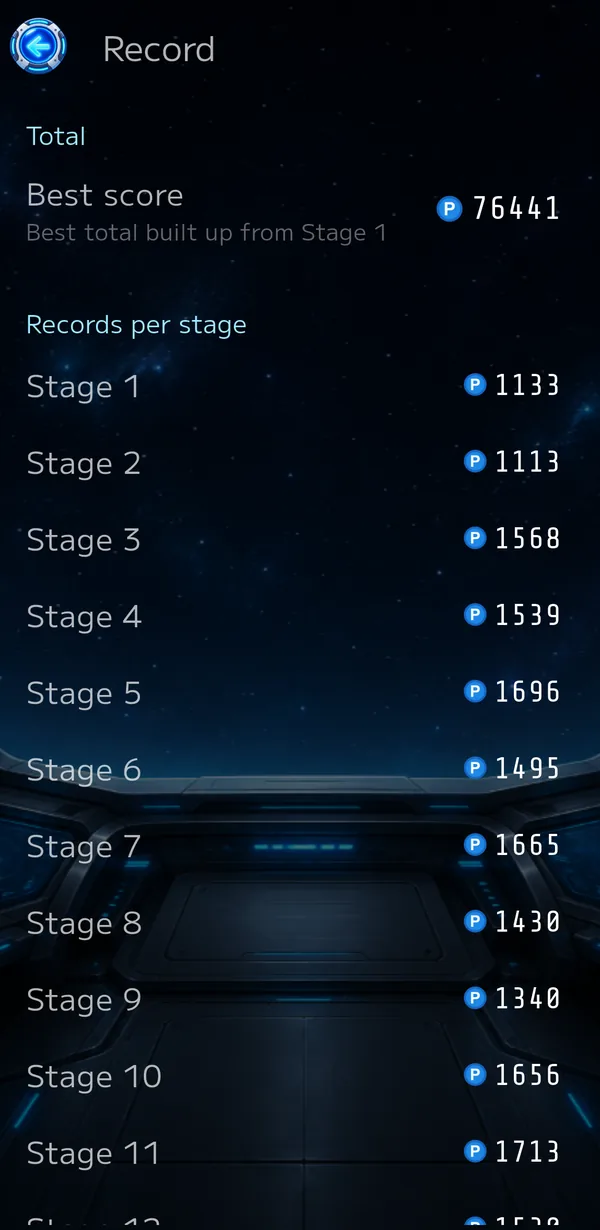
Settings
Settings has three tabs.
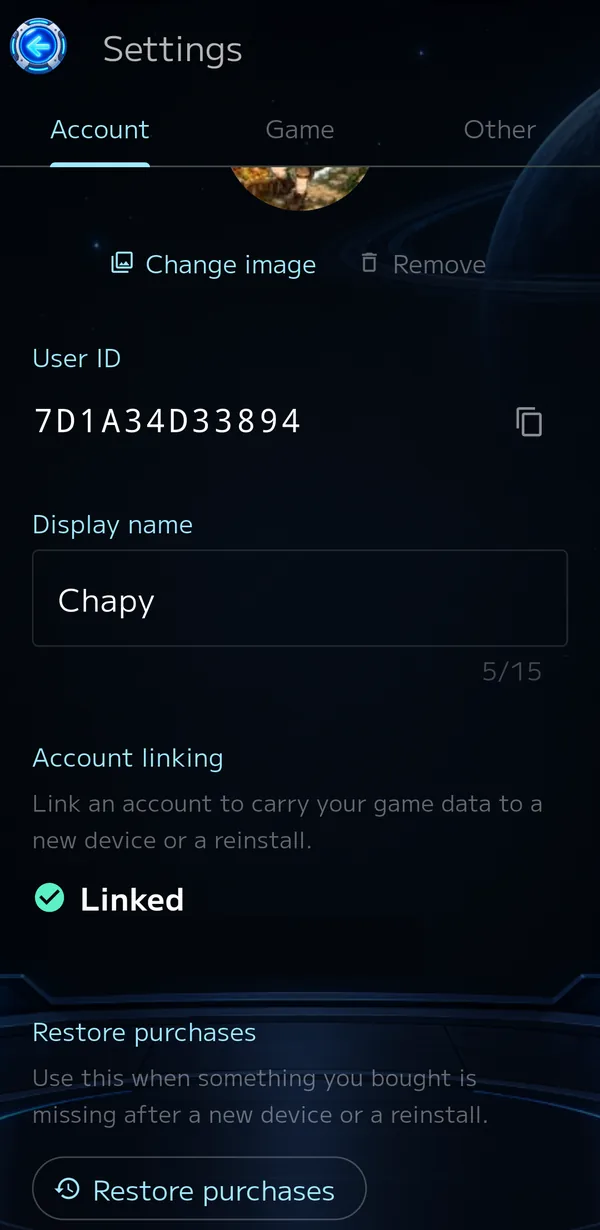
- Profile image (shown in the ranking)
- User ID (used when you contact us; copy it with the button beside it)
- Display name (up to 15 characters; shown in the ranking)
- Link with Google — carry your data over to a new device or a reinstall
- Restore purchases
- Delete account and all data
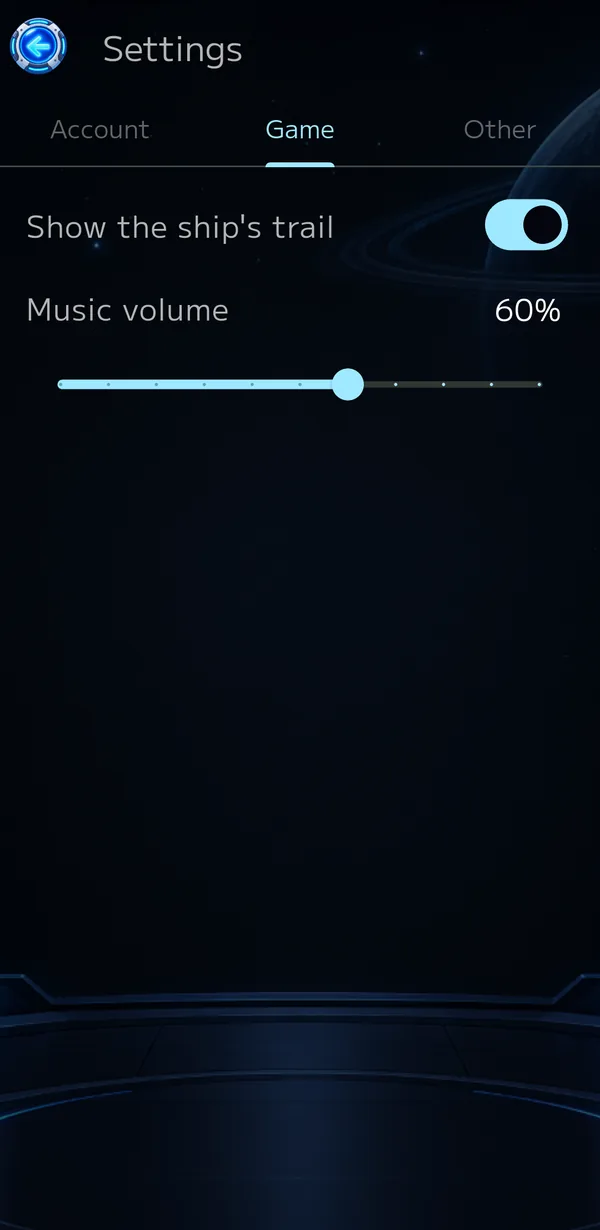
- Show the ship's trail — whether trails stay on the board
- Music volume
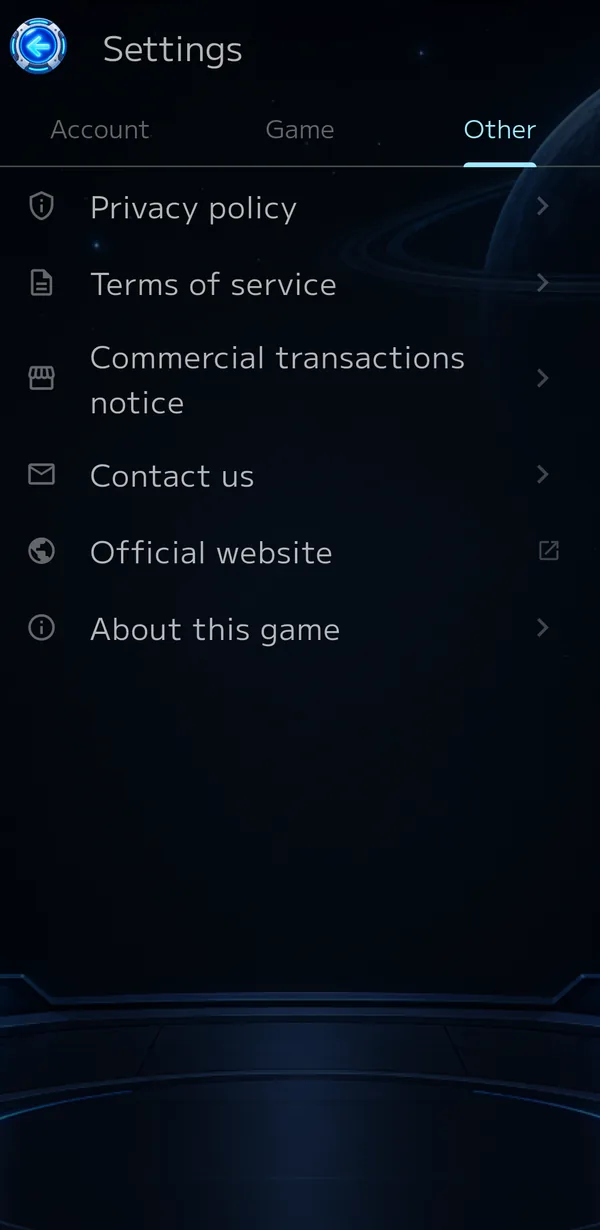
- Privacy policy, terms of service and commercial transactions notice
- Contact us (opens an email with your user ID filled in)
- Official website (this site)
- About this game (music credits and more)